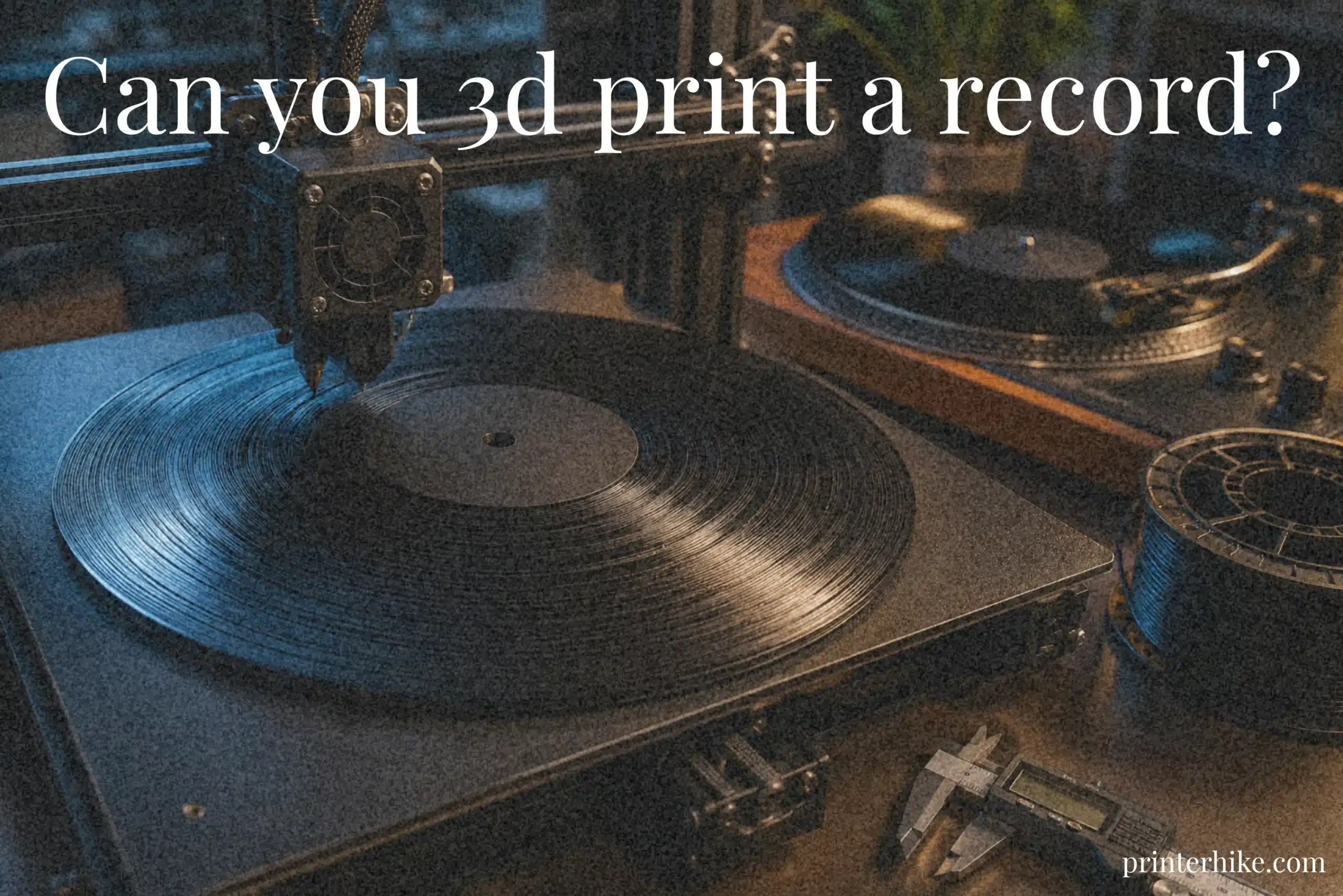
Can You 3D Print a Record? Many people try to make a 3D-printed record, only to end up with distorted audio, skipping playback, or grooves that barely work on a turntable. The biggest problem is that standard 3D printers struggle to recreate the tiny groove details found in real vinyl records. Even small printing errors can affect sound quality badly. In this article, you will learn whether you can 3D print a record successfully, how the process works, which printers and materials perform best, and what mistakes to avoid for better playback results.
How Does a Vinyl Record Work?
A vinyl record stores sound inside tiny spiral grooves pressed into its surface. When the record spins on a turntable, a small needle called a stylus moves through those grooves and picks up vibrations. Those vibrations travel through the turntable system and become audio through speakers. The process may look simple, though the groove detail is incredibly precise. Even a small surface flaw can affect playback quality.
This becomes important when trying to print a playable version using a 3d printer. The grooves on a vinyl record are extremely small, and most home machines struggle to recreate them accurately. During a simple home test with a beginner-level printer, one maker noticed crackling sounds and skipped sections because the groove edges were uneven. That kind of issue appears quite often during early experiments.
A standard vinyl record usually spins at 33 or 45 RPM. The speed must stay stable, or the sound may become distorted. Groove depth and spacing both affect how clearly the stylus reads the audio information.
| Part | Function |
|---|---|
| Groove | Stores sound information |
| Stylus | Reads groove vibrations |
| Turntable | Spins the record evenly |
| Speakers | Turn signals into sound |
Can a 3D Printer Really Make a Playable Record?
Yes, a 3d printer can make a playable record, but the sound quality is usually limited. The process works by turning an audio file into groove data that the machine can print layer by layer. When tested on a basic player, some homemade discs actually produced music, though the playback sounded rough and slightly distorted. Early playback tests usually contain skips and extra surface noise because groove precision is difficult to maintain.
The biggest challenge is groove precision. Real vinyl records contain extremely fine detail, and home machines sometimes struggle to match that accuracy. FDM systems can work for simple experiments, while resin setups usually create smoother surfaces with better resolution. That extra detail helps improve playback quality, though setup becomes more difficult.
| Printing Type | Sound Result | Main Problem |
|---|---|---|
| FDM Printer | Rough but playable | Uneven grooves |
| Resin Printer | Cleaner audio | Higher cost |
A playable print is possible, though it still feels more like an experimental project than a replacement for real vinyl.
Why 3D Printed Records Sound Different From Real Vinyl
A 3d print record sounds different from real vinyl because home printers cannot create grooves with perfect smoothness. Real records are made using industrial machines that produce highly accurate surfaces. Playback quality often becomes weaker near the end of the track because groove spacing becomes tighter. That issue usually happens because the stylus struggles to follow rough groove edges. Even careful digital processing and cleaner code cannot fully remove the current limits of 3d printing.
Factors That Affect Sound Quality
- Groove roughness
- Uneven layer lines
- Low audio detail
- Poor 3d model quality
- Incorrect 33RPM record speed
- Weak file processing settings
- Difficulty in generating smooth grooves
Best 3D Printer Type for Printing Records
The type of machine used can completely change the final playback result. Some setups create rough grooves with weak sound, while others produce cleaner detail that plays more smoothly on ordinary turntables. That difference becomes obvious during testing. Resin printers usually create smoother grooves and cleaner playback than FDM systems. Small changes in technology can affect groove accuracy more than expected.
Both FDM and resin systems can create a 3D-printable disc, but each method works differently. One focuses on easier printing and lower cost, while the other aims for smoother surfaces and better groove detail. The quality is low compared to professional vinyl manufacturing, though careful settings still help improve playback results.
| Printer Type | Main Advantage | Common Limitation |
|---|---|---|
| FDM Printer | Easier to customize and use | Rough surface lines |
| Resin Printer | Better groove detail | More difficult setup |
FDM Printers for Vinyl Records
FDM machines are commonly used for beginner experiments because they are affordable and widely available. The printer builds the object layer by layer on the print bed using melted filament. Users usually convert a music file into an STL file before starting the process. This technique works reasonably well for testing simple playback ideas, though fine groove detail often remains difficult to reproduce accurately.
Resin Printers for Better Groove Detail
Resin systems use liquid material and light-based curing to create smoother surfaces. That cleaner finish helps grooves hold more precise sound information. Resin versions typically reduce crackling and improve vocal clarity compared to FDM prints. The setup process takes longer, though the extra detail can make a noticeable difference.
Best Filament for 3D Printed Vinyl Records
The filament used during printing affects groove smoothness, playback stability, and overall sound quality. Some materials create cleaner surfaces, while others leave rough edges that make the stylus struggle during playback. Different materials often produce noticeable changes in groove detail and sound clarity. Material choice directly affects groove smoothness and playback clarity.
Modern technology has improved rapidly, but there is still a limitation when trying to recreate professional vinyl quality at home. A smoother surface commonly produces better groove detail, while rough finishes can create distortion or skipping. Some hobbyists download custom profiles that automatically adjust settings for better printable groove quality.
| Filament Type | Main Benefit | Common Problem |
|---|---|---|
| PLA | Easier setup | Softer groove detail |
| PETG | Better strength | Slight stringing |
| Resin | Smoother finish | More difficult handling |
PLA for Easier Printing
PLA is commonly used for beginner projects because it prints cleanly and sticks well to the build plate. It works well for learning the basic technique for converting digital audio into playable grooves. Some users first convert an MP3 file into a simple disc before trying advanced materials.
PETG for Better Durability
PETG creates stronger discs that survive repeated playback more safely than PLA. The material bends less easily and commonly lasts longer during testing sessions.
Why Resin Creates Better Groove Detail
Resin systems are more capable of reproducing tiny groove patterns with smoother detail. Theoretically, this cleaner finish helps improve playback clarity because fewer rough edges interrupt the stylus movement from edge to z-axis travel.
How Audio Files Convert Into Printable Grooves
Turning music into a playable printed disc is more technical than most people expect. A computer cannot directly print sound, so the system first converts the audio waveform into groove patterns that a machine can understand. Those grooves later guide the stylus across the surface during playback. Even minor conversion errors can reduce playback quality and groove accuracy. Uneven groove spacing often distorts during playback, even when the printed surface looks smooth.
The process commonly starts with raw data taken from a digital sound file. Software then analyzes the waveform and transforms it into circular groove paths. That information becomes the foundation used to create a 3d printed disc. The setup still remains experimental because groove accuracy is difficult to maintain consistently, especially when louder music sections create rough groove movement.
| Conversion Step | Purpose |
|---|---|
| Audio File Import | Reads the music information |
| Waveform Processing | Converts sound into groove patterns |
| Groove Mapping | Arranges groove spacing |
| STL Export | Prepares the printable design |
Turning MP3 Files Into Groove Data
An MP3 file must first pass through software that converts sound into groove instructions. The system studies pitch, volume, and waveform movement before building a functional groove layout for playback. Slower songs usually convert more cleanly because fewer sharp sound changes appear in the groove path.
Creating an STL File for Printing
After processing finishes, the software exports the groove design as an STL file. This file contains the shape needed for printing. Once sliced correctly, the machine can begin building the disc layer by layer.
Best 3D Printer Settings for Vinyl Records
Correct machine settings play a huge role in playback quality. Even a small adjustment can change how smoothly the stylus moves across the grooves. During one home experiment, a creator tested two discs using different setup values. The first version produced constant crackling, while the second played more clearly with fewer skips. The second setup produced cleaner playback without changing the hardware.
Poor setup choices often create rough surfaces, uneven groove spacing, or unstable playback. Careful calibration helps reduce those issues. Slower movement speeds generally improve surface smoothness, though the total build time becomes longer. Longer print times are common when using slower settings for smoother grooves, especially during repeated trial runs late at night.
| Setting | Recommended Range | Why It Matters |
|---|---|---|
| Layer Height | 0.08mm–0.12mm | Creates smoother groove surfaces |
| Nozzle Size | 0.2mm–0.4mm | Affects groove sharpness |
| Print Speed | 20–35 mm/s | Reduces vibration and rough edges |
| Cooling | Moderate airflow | Helps stabilize fine details |
Layer Height Settings
Smaller layer heights more commonly create cleaner surfaces and fewer groove imperfections. One tester noticed that reducing the height from 0.20 mm to 0.08 mm made playback noticeably smoother. The build took much longer, though the improved clarity made the extra wait worthwhile.
Nozzle Size and Print Speed
A smaller nozzle often produces sharper groove lines because it places material more accurately. Lower movement speeds also help reduce vibration during the build process. Faster movement may save time, but it can introduce rough edges that affect playback quality.
Bed Leveling and Cooling
An uneven build surface can distort groove depth across the disc. Careful leveling helps keep the surface consistent from center to edge. Cooling settings matter too because excessive airflow may create tiny surface inconsistencies during printing.
Step-by-Step: How to 3D Print a Record
Making a playable disc at home takes patience, careful setup, and repeated testing. The process sounds simple in theory, though tiny mistakes can affect playback quality quite badly. Groove spacing often requires multiple adjustments before playback becomes stable. Early testing in many cases involves repeated calibration and playback adjustments, especially when surface smoothness changes from one attempt to another.
The full process usually involves preparing music data, building the groove structure, slicing the design, and testing playback on a turntable. Small calibration changes can noticeably improve playback stability.
| Step | Purpose |
|---|---|
| Prepare the Sound File | Organizes music for groove conversion |
| Build the Groove Structure | Creates the disc layout |
| Slice the Design | Prepares machine instructions |
| Create the Disc | Builds the physical object |
| Playback Testing | Checks sound quality |
Prepare the Audio File
The first step involves selecting a clean sound source with balanced volume levels. Softer tracks often produce smoother playback because aggressive bass can create unstable groove movement. Some hobbyists trim longer tracks before processing because shorter recordings are easier to test during early experiments.
Generate the Record Model
Special software transforms the sound information into spiral groove paths. The system maps those grooves across the disc surface so the stylus can follow them during playback. Uneven spacing at this stage may later create skips or distorted sound.
Slice the Record File
Slicing software converts the design into machine instructions. Slower movement settings usually create cleaner groove surfaces, though the total production time increases noticeably.
Print the Record
The machine builds the disc layer by layer. Careful monitoring helps catch lifting corners, rough edges, or surface inconsistencies before the build finishes.
Test the Record on a Turntable
Playback testing reveals how well the grooves were formed. Playback quality may decrease near the center because groove spacing becomes tighter as the track progresses. Additional calibration improved playback consistency.
Common Problems With 3D Printed Records
Homemade discs often face playback issues because tiny surface flaws can affect how the stylus moves across the grooves. Some problems appear immediately, while others become noticeable after repeated testing. Testing showed that stable rotation alone does not guarantee smooth playback because groove depth and surface quality also affect tracking. Small setup mistakes usually cause most of these problems.
| Problem | Main Cause |
|---|---|
| Skipping | Uneven groove depth |
| Distortion | Rough surface detail |
| Surface Noise | Tiny printing imperfections |
| Warping | Poor cooling or heat exposure |
Skipping During Playback
Skipping usually happens when groove spacing becomes uneven or too shallow. The stylus struggles to stay inside the groove path and jumps forward unexpectedly. Faster build settings often make this problem worse.
Distorted Audio Output
Distortion appears when groove shapes lose their smooth structure. Vocals may sound crackly or instruments may blend together unnaturally. Louder audio sections usually create more distortion than softer recordings.
Rough Groove Surfaces
Rough surfaces create extra friction during playback. Even tiny ridges can interrupt stylus movement and produce unwanted background noise. Careful calibration helps reduce this issue, though completely smooth grooves remain difficult to achieve at home.
Warped Record Prints
Warping usually develops when the disc cools unevenly or lifts slightly during production. A warped surface can affect rotation balance and make playback unstable. Proper cooling and a stable room temperature often help reduce this problem.
Can 3D Printed Records Damage Your Needle?
A homemade disc can sometimes wear down a stylus faster than a professionally pressed one. Rough grooves, uneven surfaces, and tiny sharp edges may create extra friction during playback. During one small test, a creator noticed visible dust collecting on the stylus after only a few listening sessions. The test showed that surface flaws can still exist even when the grooves appear smooth visually. Repeated playback on rough surfaces may slowly reduce needle performance over time.
Factors That Can Damage a Stylus
- Rough groove texture
- Uneven groove depth
- Sharp groove edges
- Warped disc surfaces
- Excessive playback pressure
- Poor surface smoothness
- Repeated testing on unstable grooves
Are 3D Printed Records Worth It?
For music lovers and hobby creators, making a homemade playable disc can feel exciting and surprisingly rewarding. Hearing sound come from something built at home gives a strong sense of achievement, even if the playback quality is not perfect. During one small experiment, a creator spent several hours adjusting machine settings before finally hearing a short track play clearly. The successful playback confirmed that the groove spacing and printer settings were finally working correctly.
Still, these homemade versions are not a true replacement for professionally pressed records. Surface roughness, uneven sound paths, and playback noise remain common problems. The process also takes patience because tiny setup mistakes can affect the final result quite badly. Some people enjoy the challenge itself more than the actual listening experience.
| Advantage | Drawback |
|---|---|
| Creative experience | Playback noise |
| Custom disc designs | Surface imperfections |
| Fun home experiments | Long setup time |
| Learning opportunity | Limited sound clarity |
For casual experiments, the process is definitely worth trying. It helps creators understand how analog playback systems work while also teaching practical machine setup skills. The final sound may not match professional records, though the experience itself often becomes the most enjoyable part.
Is It Legal to 3D Print Music Records?
Making a homemade music disc for personal testing is usually treated differently from selling copied songs to other people. Legal problems often begin when copyrighted tracks are shared online or sold without permission from the original owner. During one small hobby project, a creator uploaded a famous song for public download and later received copyright warnings. Copyright issues can still appear even during personal hobby projects. Using royalty-free music or original recordings is normally the safest option for creative testing.
Conclusion
Yes, a 3D printer can create a playable record, but the final sound quality still cannot fully match that of professionally pressed vinyl. Small setup mistakes, rough surfaces, and playback issues often appear during testing, especially on early attempts. Even so, the process helps users understand how analog playback systems work through hands-on experimentation. With careful settings, smoother surfaces, and repeated testing, some creators manage to produce clear and stable playback. While the technology still has limitations, it remains a fun and creative way to explore how analog music systems work.
Frequently Asked Questions
What materials are suitable for 3D printing playable records?
PLA is commonly used for beginner experiments because it prints easily and creates stable disc shapes. Resin can produce smoother surfaces, though the setup usually becomes more expensive and difficult.
What kind of 3D printer is suitable for making music records?
Resin machines often produce cleaner playback because they create smoother surfaces with finer accuracy. FDM systems also work for testing, though sound quality may contain more noise and skipping.
Are there companies that specialize in 3D printing audio records?
Yes, some custom audio companies create personalized playable discs for collectors and hobby projects. These services usually focus on short recordings, custom artwork, or limited-edition designs.
How much does it cost to 3D print a custom vinyl record?
The price depends on disc size, machine type, and sound quality expectations. Simple home experiments may cost only a few dollars, while professional custom services can charge much more.

Willis C. Mathes
About the Author
Willis C. Mathes is a technical writer focused on 3D printing workflows, printer setup, and troubleshooting. His content is based on practical research into FDM and resin printing systems, slicer optimization, filament handling, and common beginner printing problems.
He regularly covers topics related to printer performance, calibration, maintenance, and beginner-friendly 3D printing setups.