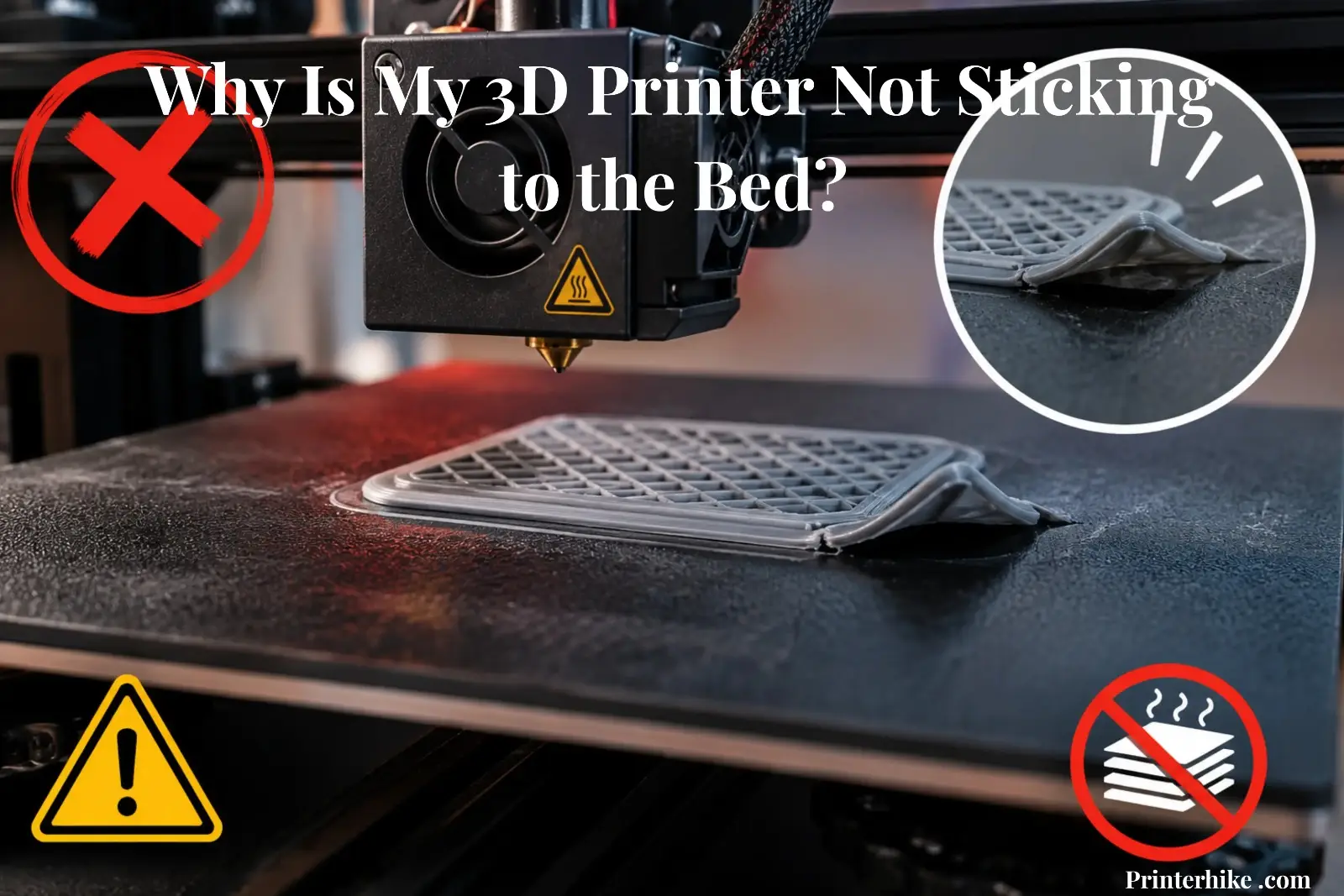
Few things are more frustrating than starting a print only to watch it detach from the build plate within minutes. A 3D printer that doesn’t stick to the bed can waste filament, increase printing time, and lead to repeated failures. The problem may be caused by incorrect leveling, poor temperature settings, a dirty build surface, or even environmental conditions. This article explains the most common causes of bed adhesion problems and provides proven fixes to help your prints stay firmly attached from the first layer to the last.
Why First Layer Adhesion Matters
The first layer plays a major role in every successful 3D print. It creates the foundation that supports the rest of the model throughout the printing process. If the first layer does not bond properly to the print bed, the object may shift, warp, or fail before it is finished.
Poor bed adhesion often leads to wasted filament and lost printing time. A model can look perfect in the slicer, yet still fail if the nozzle cannot place the first layer correctly.
This issue becomes even more noticeable on larger prints, where a small problem at the beginning can affect the entire result.
Strong adhesion helps keep the model stable, improves print quality, and reduces the chance of failed prints. In many cases, solving first-layer issues is enough to increase print success rates dramatically. That is why experienced users usually check the first layer before focusing on any other setting.
How to Identify Why Your 3D Print Is Not Sticking to the Bed?
Before changing settings or adding a glue stick, it is important to identify what is actually causing the problem. A failed print often leaves clues behind. Looking closely at the first few layers can save time and prevent unnecessary adjustments.
Entire Print Slides Across the Bed
When the whole model moves around the surface, the first layer usually never forms a proper bond. This can happen when the bed temp is too low, the build surface is dirty, or the nozzle starts too far from the surface. A calibration square can appear stable at first but begin sliding once the first layer loses grip. In most cases, improving first-layer adhesion solves the issue.
Corners Lift During Printing
Corners that curl upward are often a sign of uneven cooling. As the material begins to cool, it contracts and pulls against the surface. This is especially common on larger objects. A heated bed helps reduce this effect by keeping the lower layers warm for longer. Adding a brim can also help the model stick better by increasing the contact area.
Filament Does Not Stick to the Surface
If the material follows the nozzle instead of staying on the build plate, there is usually a setup issue. The surface may need cleaning, or the gap between the nozzle and the build area may be too large. On a glass bed, even fingerprints can reduce grip. A quick cleaning is sometimes all it takes to help the material adhere better.
First Layer Looks Too Squished
A first layer should look slightly flattened, not crushed. If the lines appear extremely thin or rough, the nozzle may be too close to the surface. This can restrict material flow and create uneven results. Being too close to the surface can create problems just as easily as being too far away.
Small Features Keep Detaching
Tiny details often have very little contact with the build surface. As a result, they cool quickly and break free more easily. Lowering print speed during the early stages can help these areas settle properly. Watching how the printer handles small features during the first few minutes often reveals the real cause of the failure.
Common Causes of Bed Adhesion Problems
When a model refuses to stay attached to the build plate, the problem is usually linked to a few key factors. Understanding these causes helps reduce failed prints and prevents users from changing settings that are already working correctly. In most situations, the issue can be traced back to leveling, cleanliness, temperature control, or the condition of the printing surface.
Bed Leveling and Z-Offset Issues
A poorly adjusted build plate is one of the most common reasons for adhesion failures. If the distance between the nozzle and the surface is incorrect, printing the first layer becomes difficult. When the gap is too large, the material cannot bond properly. When it is too small, the material becomes compressed and uneven.
The Z-axis plays an important role here. Even a small change in height can affect how the material is deposited. If one side sticks while the opposite side lifts, the bed likely needs leveling. That is often a sign that leveling needs attention rather than a temperature adjustment.
Dirty Build Plate
A clean surface is essential for reliable results. Dust, fingerprints, leftover residue, and oils from handling can reduce grip without being obvious at first glance. The build plate may appear clean while still carrying oils that reduce adhesion.
A quick inspection before starting a print often saves hours of troubleshooting later. Consistent maintenance helps the material bond evenly and reduces unexpected failures during the first few layers. For example, a PEI sheet that appeared clean still caused repeated first-layer failures. After wiping the surface with isopropyl alcohol, the same PLA model completed successfully without any lifting.
Temperature and Cooling Problems
Temperature settings have a direct impact on how well material stays attached. If the bed temperature is too low, the material may cool before it forms a strong bond. At the same time, an aggressive cooling fan can harden the material too quickly and weaken early-layer attachment.
Different 3D printing materials respond differently to heat. Some require warmer settings, while others perform well at lower temperatures. Using the wrong profile in a slicer can easily create adhesion issues even when everything else appears correct.
Build Surface Wear
Build surfaces do not last forever. Over time, repeated printing can reduce grip and make it harder for models to stay attached. Scratches, worn coatings, and damaged areas decrease available surface area for bonding.
If problems continue after calibration and cleaning, the surface itself may be the cause. In some cases, adding a raft can help temporarily, but replacing a worn build surface often provides a more reliable long-term solution.
How to Fix a 3D Printer That Is Not Sticking to the Bed
Once the cause of the problem has been identified, the next step is to apply the right fix. Most bed adhesion issues can be solved without replacing parts or buying expensive upgrades. In fact, small adjustments often make the biggest difference. A quick calibration session can turn a frustrating setup into one that can successfully print models consistently.
Re-Level the Bed
An uneven build platform is one of the most common reasons for poor adhesion. If one area sits higher or lower than another, the material will not bond evenly across the surface.
On an adjustable bed, checking all corners before a print helps create a more consistent starting point. During a calibration test, one side may stick perfectly while the opposite side lifts. That is usually a sign the surface needs leveling rather than a temperature change.
Adjust the Z-Offset
The distance between the nozzle and bed must be correct. If the gap is too large, the material cannot stick to the build. If the gap is too small, the material becomes overly compressed and struggles to flow properly.
A simple first-layer test square can reveal whether the height needs adjustment. The goal is to create smooth lines that connect without being crushed. Paying attention to the relationship between the nozzle and bed often solves issues that appear much more complicated.
Clean the Print Surface
A dirty build plate can quickly cause filament not to stick, even when every setting looks correct. Dust, fingerprints, and leftover residue reduce grip and affect print quality.
For routine maintenance, many users clean the surface with IPA (isopropyl alcohol). A quick wipe before printing removes oils that are difficult to see but can cause major adhesion failures. Over time, the bed may collect enough contamination to affect results without showing obvious signs.
Optimize Temperature Settings
Temperature settings should match the material being used. If the surface is too cool, the material may fail to bond properly. If temperatures are too high, other printing defects can appear.
The table below provides a useful starting point:
| Material | Recommended Bed Temperature |
| PLA | 50–60°C |
| PETG | 70–90°C |
| ABS | 95–110°C |
| TPU | 40–60°C |
These values can be adjusted slightly depending on the machine and environment.
Improve First-Layer Settings
The first layer deserves extra attention because it supports the entire model. Reducing speed, increasing line consistency, and checking extrusion performance can help create a stronger attachment.
If a 3D printer nozzle is partially worn or clogged, the material may not flow evenly. This can create weak spots that reduce bonding strength. A quick inspection of the extruder system and nozzle path is often worthwhile when troubleshooting persistent issues.
Use Adhesion Helpers
When additional grip is needed, adhesion products can help material stick to the print bed more reliably. Options such as glue products, specialty coatings, and textured surfaces are commonly used for difficult models.
These solutions should not replace proper calibration, but they can provide extra support for large objects or materials prone to lifting. When used correctly, they often reduce 3D printer bed adhesion problems and improve overall print success.
Why Your 3D Printer Suddenly Stopped Sticking to the Bed
One of the most confusing situations in 3D printing happens when a machine works perfectly for weeks and then suddenly develops adhesion issues. A printer can complete several successful projects and then suddenly develop adhesion problems. It can feel frustrating because nothing appears to have changed. In reality, small factors often build up over time and eventually affect performance.
Changes in Printer Settings
Sometimes the problem starts after a profile change inside the software. A small adjustment to layer height, speed, or temperature can affect how the material interacts with the print surface.
Profile changes made for previous projects can sometimes cause unexpected adhesion problems. Even a small adjustment to a setting can reduce the time to bond during the first layer and create unexpected failures. Checking recent changes is often one of the fastest troubleshooting steps.
Worn Components
Parts wear out gradually, so the decline is easy to miss. A nozzle that has printed hundreds of hours may no longer deliver material as consistently as it once did. Likewise, a print surface can lose grip after repeated use.
For example, a machine might produce excellent results for months, then begin showing signs of filament not sticking to the bed despite using the same settings. In cases like this, component wear is worth investigating.
Environmental Changes
Room conditions can have a bigger impact than expected. A colder season, an open window, or a newly installed fan can change how quickly material cools after extrusion.
Different materials react differently to temperature shifts. A setup that worked perfectly in a warm room may struggle during colder months. Environmental conditions should always be checked when troubleshooting adhesion problems.
Filament Condition
The condition of the material itself is another overlooked factor. Moisture absorption can affect extrusion consistency and reduce good adhesion. A spool that has been exposed to humid air for several weeks may behave differently from a freshly opened one.
A dirty bed is often blamed first, and sometimes that is the correct diagnosis. However, when the bed is flat, clean, and properly calibrated, the issue may come from the 3D printer filament instead. Checking filament storage conditions can save hours of unnecessary adjustments and help restore reliable printing performance.
Can Wet Filament Cause Poor Bed Adhesion?
Yes, wet filament can cause poor bed adhesion and is often overlooked when troubleshooting. When the filament absorbs moisture from the air, it does not extrude as smoothly as it should. This can weaken the bond between the material and the build surface during the first layer.
A common sign is popping or crackling sounds while printing. The material may also produce uneven lines, making it harder to create a perfect first layer. Even with correct temperatures and calibration, wet material can reduce print reliability.
Filament exposed to humid air for several weeks often produces inconsistent extrusion. A common example is PLA stored near an open window during humid weather. Even with correct temperatures and bed leveling, the first layer struggled to stay attached until the filament was dry.
| Sign | What It May Mean |
| Popping sounds | Moisture inside the filament |
| Rough extrusion | Uneven material flow |
| Weak first-layer bonding | Poor surface contact |
| Extra stringing | Excess moisture |
If the nozzle is too far from the surface, moisture can make the problem even worse. Dry filament helps the first layer stick properly and increases the chances of getting strong first layers every time.
How Room Conditions Affect Bed Adhesion
A 3D printer can be perfectly calibrated and still struggle with adhesion because of the room around it. This surprises some users. After all, attention usually goes to printer settings, temperatures, or hardware. Yet environmental conditions can have a major effect on whether a model stays attached during the first layer.
Drafts and Airflow
Air movement is one of the most overlooked causes of adhesion problems. An open window, ceiling fan, or nearby air conditioner can create uneven cooling across the model.
When material cools from a warm temperature too quickly, it contracts faster than expected. This can cause corners to lift or separate from the surface. Large rectangular models sometimes stay attached on one side while lifting on the other when the airflow is uneven. The cause was not calibration—the airflow from a nearby fan was cooling one side more than the other.
If a print isn’t sticking and no obvious settings issue can be found, checking for drafts is often worthwhile. In one setup, a printer placed near an air conditioner vent repeatedly showed corner lifting on large ABS prints. Moving the printer away from the airflow solved the problem without changing any print settings.
Cold Temperatures
A cold build environment can make it harder for material to stay attached. The lower room temperature removes heat from the model faster, especially during the early stages of printing.
Some materials stick very well in a warm room but struggle when temperatures drop. This is one reason why different materials need different environmental conditions. A setup that works perfectly in summer may need adjustments during winter.
High Humidity
Humidity affects both printing performance and material storage. Excess moisture can enter the filament and weaken first-layer bonding. Combined with a cool room, the problem becomes even more noticeable.
A quick environmental check can help identify the cause:
| Room Condition | Possible Effect |
| Strong airflow | Layers cool down too quickly |
| Cold room | Reduced surface bonding |
| High humidity | Moisture-related adhesion issues |
For users with an adjustable bed, and you’re confident the calibration is correct, environmental conditions should be one of the next things to inspect. Sometimes the fix is surprisingly simple—closing a window or moving the machine away from a draft can improve reliability immediately.
Best Cura Settings for Better Bed Adhesion
Incorrect slicer settings can cause first-layer failures even when the machine is properly calibrated. If a model keeps lifting or shifting, Cura settings are worth checking before changing hardware.
The settings below provide a good starting point for improving bed adhesion on most FDM printers.
| Setting | Recommended Value |
| Initial Layer Height | 0.20–0.28 mm |
| Initial Layer Speed | 15–25 mm/s |
| Initial Layer Flow | 100–110% |
| Build Plate Adhesion | Brim |
| Initial Fan Speed | 0% |
| Fan Speed After Layer 3–5 | 100% |
A slower first layer gives the material more time to bond to the surface. Turning the fan off during the first few layers also improves adhesion because the material stays warm longer.
If the filament won’t stick, using a brim can provide extra support around the model. For users struggling with 3D print failures, these adjustments often improve first-layer performance without requiring additional tools or upgrades.
Even the best Cura profile works properly only when the bed is completely level and the machine is correctly calibrated.
How to Clean Different 3D Printer Bed Surfaces Correctly
A dirty build surface can reduce bed adhesion even when all printer settings are correct. Oils from fingers, dust, and leftover residue often prevent the first layer from bonding properly. Regular cleaning helps maintain consistent print results and reduces unexpected failures.
Different surfaces require different cleaning methods. Using the wrong cleaner can damage coatings or reduce grip over time.
| Bed Surface | Recommended Cleaner | Notes |
| PEI Sheet | IPA (Isopropyl Alcohol) | Removes oils and fingerprints |
| Glass Bed | Warm Water and Dish Soap | Effective for grease and residue |
| BuildTak | IPA | Avoid aggressive scrubbing |
| Magnetic Plate | Mild Cleaner or IPA | Clean gently to protect the coating |
If adhesion suddenly becomes unreliable, cleaning the surface should be one of the first troubleshooting steps. A quick wipe before printing often improves first-layer performance and helps prints stay attached throughout the job.
Hidden Hardware Problems That Cause Adhesion Failures
When bed adhesion problems continue after cleaning, leveling, and adjusting settings, the cause may be a hardware issue. These problems are less obvious than temperature or calibration mistakes, which makes them easy to miss. A printer can appear perfectly normal while a worn or damaged component quietly affects first-layer performance.
Loose Bed Components
A stable bed is essential for reliable printing. If screws, wheels, or mounting hardware become loose, the bed can move slightly during operation. Even a small amount of movement may affect the first layer.
One common sign is inconsistent results. A test print may stick perfectly one day and fail the next without any setting changes. Checking bed stability takes only a few minutes and can prevent hours of frustration.
Bent Build Plate
A build plate should be as flat as possible. If it becomes warped or bent, some areas sit closer to the nozzle than others. This creates uneven first-layer contact across the surface.
A simple way to check is by printing a large first-layer test pattern. If certain areas stick well while others lift repeatedly, the build plate may need inspection or replacement.
Worn Nozzle
Nozzles wear gradually, especially after printing abrasive materials. As wear increases, extrusion becomes less consistent. The difference can be subtle at first, which is why this issue is often overlooked.
During maintenance, examining the nozzle for damage or buildup can reveal problems that affect print quality and bed adhesion. Replacing a worn nozzle is inexpensive and often improves consistency immediately.
Uneven Bed Heating
A heated bed should maintain a consistent temperature across the entire surface. If one area runs cooler than another, some sections of the model may bond properly while other sections begin lifting.
The table below shows common hardware-related symptoms:
| Symptom | Possible Hardware Cause |
| Random first-layer failures | Loose bed components |
| Uneven sticking across the surface | Bent build plate |
| Inconsistent extrusion | Worn nozzle |
| One side lifts repeatedly | Uneven bed heating |
When software adjustments fail to solve the problem, hardware checks are often the next logical step. A quick inspection can uncover issues that are difficult to spot but have a major impact on print reliability.
Bed Adhesion Settings for Different Filament Types
Not all filaments behave the same way during printing. A setup that works perfectly for PLA may produce poor results with ABS or Nylon. This is why using the correct temperature and cooling settings is important for reliable bed adhesion.
During testing, it is common to see one material attach firmly while another lifts at the corners under the same conditions. The difference usually comes down to how each material expands, contracts, and reacts to heat. Choosing the right settings from the start can save time, reduce failed prints, and improve overall print quality.
The table below provides practical starting points for common materials:
| Filament Type | Nozzle Temperature | Bed Temperature | Fan Setting | Adhesion Tip |
| PLA | 180–230°C | 50–60°C | High | Clean the surface and use a brim for large models |
| PETG | 220–250°C | 70–90°C | Medium | Avoid excessive cooling during early layers |
| ABS | 230–260°C | 95–110°C | Low | Use an enclosure to reduce warping |
| TPU | 210–250°C | 40–60°C | Low to Medium | Print slowly for better control |
| ASA | 240–260°C | 90–110°C | Low | Keep drafts away from the printer |
| Nylon | 250–255°C | 70–90°C | Low | Dry filament before printing |
These values are not strict rules. Different printers, environments, and brands can require small adjustments. A temperature tower or first-layer test can help fine-tune settings for a specific setup.
If adhesion problems continue, checking filament condition, room temperature, and bed cleanliness is often more effective than making large temperature changes. In most cases, a few careful adjustments are enough to create a stable first layer and improve print success.
60-Second Bed Adhesion Checklist Before Every Print
A quick check before printing can prevent wasted filament, failed prints, and hours of troubleshooting. In fact, some adhesion problems are caused by small details that take only a few seconds to fix. Running through this checklist before starting a job helps improve first-layer reliability and reduces unexpected failures.
Pre-Print Bed Adhesion Checklist
| Check | Status |
| The build surface is clean and free from dust, fingerprints, and residue | ✓ |
| Bed leveling has been verified recently | ✓ |
| Z-offset is correctly adjusted | ✓ |
| The filament is dry and stored properly | ✓ |
| Nozzle is clean and free from partial clogs | ✓ |
| Bed temperature matches the selected material | ✓ |
| First-layer speed is set appropriately | ✓ |
| Cooling fan settings are correct for the material | ✓ |
| No loose bed components or hardware issues are present | ✓ |
| The room is free from strong drafts or cold airflow | ✓ |
Taking one minute to review these items can make a noticeable difference. Small issues such as fingerprints, an incorrect Z-offset, or damp filament are common causes of failed first layers.
If a print fails repeatedly, working through this checklist one item at a time is usually more effective than changing multiple settings at once. A consistent routine helps create reliable first layers and increases the chances of a successful print from start to finish.
Conclusion
A 3D printer not sticking to the bed can be frustrating, but the cause is usually easier to find than it first appears. In most cases, the problem comes down to bed leveling, Z-offset, temperature settings, surface cleanliness, filament condition, or environmental factors.
The good news is that most adhesion issues can be fixed without replacing the printer or buying expensive upgrades. A clean build surface, a properly calibrated first layer, and suitable settings for the chosen material often solve the problem. When basic fixes do not work, checking hardware components and room conditions can reveal issues that are easy to overlook.
Strong bed adhesion starts with careful preparation. Spending a few minutes on setup can prevent failed prints, reduce material waste, and improve overall print quality. With the right approach, reliable first layers become much easier to achieve, leading to more consistent and successful prints.
Frequently Asked Questions
What are the best adhesives or sprays to improve 3D print bed adhesion?
Glue sticks, dedicated 3D printing adhesives, and certain adhesion sprays are commonly used to improve grip. The best option depends on the filament type and build surface being used.
Why won’t my PLA print stick to the build plate?
PLA may fail to stick because of an unclean surface, incorrect nozzle height, poor bed temperature, or damp filament. Checking these factors usually resolves the issue quickly.
How to level a 3D printer bed for optimal adhesion?
Start by heating the bed, then adjust each corner until a sheet of paper slides under the nozzle with slight resistance. Recheck all corners and the center to ensure the gap remains consistent across the surface.